
WooCommerce Dropshipping in 2026: Setup Costs, Automation & 8 Supplier Solutions Compared
Learn how to start dropshipping with WooCommerce, estimate setup costs, automate fulfillment, and compare 8 supplier and software solutions.


Separate store costs from fulfillment costs.
WooCommerce’s core plugin is free, but hosting, domains, payment processing, and optional extensions still cost money. A free supplier integration does not mean free products or shipping.
Choose an operating model, not just a plugin.
Supplier directories, automation tools, print-on-demand services, and integrated fulfillment partners solve different problems.
Automate the full order cycle.
Order syncing, inventory updates, warehouse status, and tracking notifications should work together. Confirm exactly what your integration supports before going live.
Plan beyond your first orders.
A setup that works for product testing should also support branded packaging, repeat orders, and inventory planning as your business grows.
How WooCommerce Dropshipping Works
In a typical automated workflow, a customer places an order in your WooCommerce store. The order is sent to your supplier or fulfillment platform, which arranges procurement or picks from available stock. Once the order ships, tracking information is sent back to the store.
A more integrated setup can also sync available inventory and record warehouse milestones, such as receiving, inspection, packing, and dispatch. The exact workflow depends on the provider, your configuration, and whether products are already in stock.
Before committing, ask which steps are automated, which require approval, and how exceptions—such as unavailable stock or failed shipments—are handled.
WooCommerce vs. Shopify: Which Fits Your Business?
Choose WooCommerce if control and customization matter and you are comfortable managing a WordPress site—or paying someone to maintain it. Choose Shopify if you prefer a more managed setup.
Neither platform removes your responsibility for product compliance, payment provider requirements, or reliable delivery.
What Does It Cost to Start?
The following figures are planning estimates, not a complete launch budget or a live price comparison.
Also budget for payment processing, samples, marketing, returns, taxes, and working capital. Depending on your setup, backups, security, email, and currency extensions may add recurring costs.
The goal is not to eliminate every software expense. It is to avoid paying for overlapping tools that do not improve your operation.
Six Steps to Launch a WooCommerce Dropshipping Store
Step 1: Set Up Hosting, Your Domain, and SSL
Choose hosting suited to WooCommerce rather than selecting on price alone. Look for reliable support, backups, caching, and a clear upgrade path.
Connect your domain, enable HTTPS, and use a lightweight theme. Keep plugins focused on functions you actually need, and test mobile performance before sending paid traffic to the store.
Step 2: Configure Payments, Taxes, and Store Settings
Install WooCommerce and configure your selling locations, currency, shipping settings, and tax treatment. Connect payment providers available to your business and target markets.
Place a test order to check payment confirmation, customer emails, refunds, and checkout behavior. If you sell internationally, make sure customers can understand delivery estimates and any applicable duties or taxes before purchasing.
Step 3: Choose a Category You Can Fulfill Reliably
A viable niche needs more than attractive product photos. Consider product margins alongside return risk, shipping cost, packaging needs, and regulatory requirements.
Apparel: Multiple sizes and colors require accurate variant mapping, consistent measurements, and clear size guides. Inspection, relabeling, and suitable compression packaging may help address common fulfillment issues.
Lighting and fragile products: Packaging specifications, damage handling, and destination-market certifications are central to the business model. Review a specialist lighting fulfillment workflow before committing to products that are expensive to replace.
Supplements: Manufacturing documentation, labeling, ingredients, and product claims require market-specific review. Using WooCommerce does not make a regulated product automatically eligible for sale.
Step 4: Connect Your Fulfillment Provider
FFOrder offers a free WooCommerce connection for sellers who want sourcing and fulfillment managed through one platform. Businesses with more complex requirements can request a technical assessment for API connections or custom workflows.
Before launch, confirm product and variant mapping, order payment requirements, inventory rules, tracking updates, and the process for cancellations or address changes.
If you use FFOrder’s ready-stock dropshipping service, confirm the terms for free quotes, 72-hour warehouse arrival, and free storage with your account manager. Warehouse arrival is not the same as delivery to your customer.
Step 5: Build Product Pages and Set Sustainable Prices
Rewrite supplier listings for your audience. Use clear titles, original or authorized images, useful specifications, and realistic delivery information. For apparel, include measurements and fit guidance rather than relying on size labels alone.
Calculate your selling price from the full cost of serving an order:
A Practical Per-Order Cost Checklist
Product cost + inbound handling and inspection + packaging + shipping + payment fees + applicable duties and taxes + an allowance for returns and replacements.
Then account for customer acquisition costs and your target margin.
Ask for shipping quotes based on the product’s packed dimensions and weight, not just its purchase price.
Step 6: Test Fulfillment from Checkout to Delivery
Run a small test before scaling. Check that orders reach the fulfillment platform correctly, stock updates match the right variants, and tracking returns to WooCommerce.
Review the delivered product, packaging, transit time, and customer notifications. Agree on how quality issues, damage, delays, and lost parcels will be assessed and resolved.
Automation should reduce manual work—not hide exceptions that still need attention.
Eight WooCommerce Dropshipping Solutions Compared
These options are not interchangeable. Some provide software, some connect you to independent suppliers, and others handle physical production or fulfillment.
Delivery times depend on stock location, production, processing, destination, and shipping service. Compare the complete order-to-delivery timeline—not a transit estimate alone. Check each provider’s current pricing and WooCommerce compatibility before subscribing.
1、FFOrder: For Sourcing, Branding, and Fulfillment in One Workflow
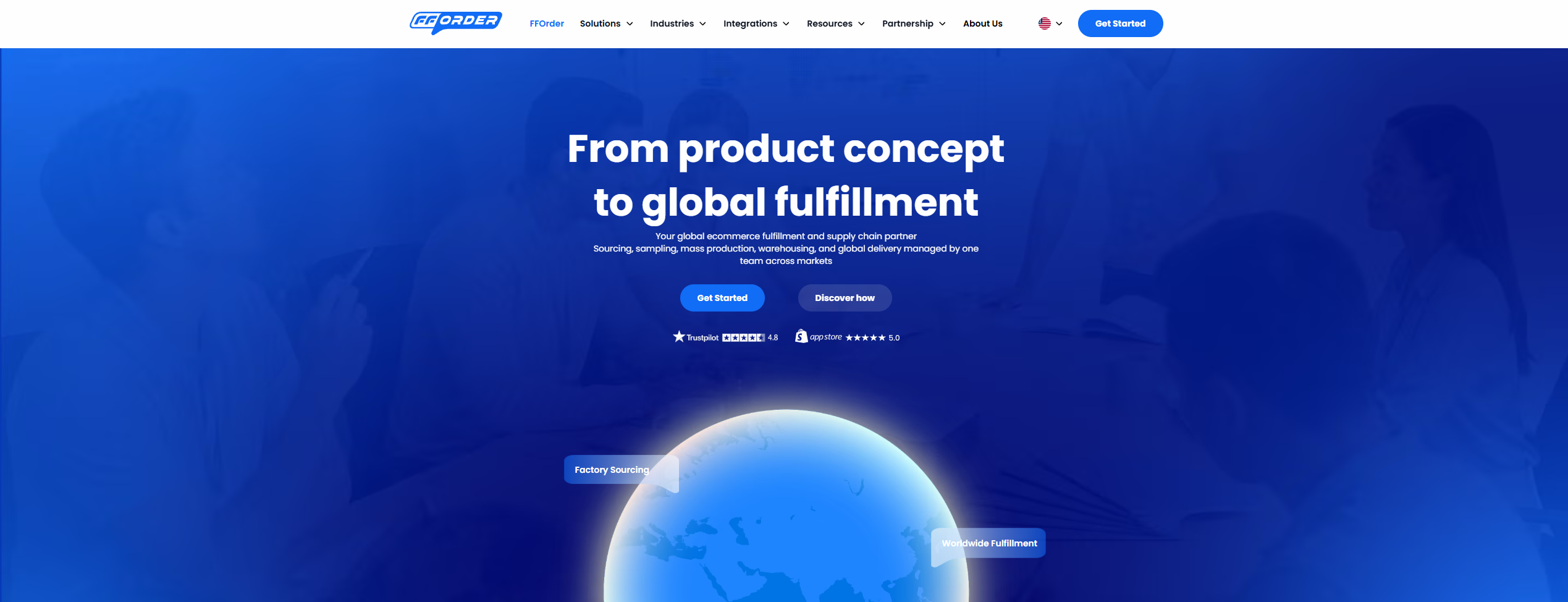
FFOrder is an option for sellers who want an operating partner rather than only a product-importing tool. Its services span ready-stock dropshipping, OEM/ODM and white-label production, and fulfillment for inventory sourced from a seller’s own factories.
Founded in 2017, FFOrder reports serving more than 100,000 cross-border ecommerce sellers. It combines sourcing support, warehouse operations, custom packaging, and international shipping through one fulfillment platform.
For apparel, its stated capabilities include item-by-item inbound inspection, tag removal and replacement, custom hangtags, and vacuum compression for suitable garments. Its custom packaging service covers packaging development through warehouse assembly and order-level execution.
FFOrder reports a 98% dispatch-within-24-hours rate for in-stock goods. Treat this as an operational performance figure, not a guarantee that newly sourced or customized products will ship within 24 hours. Confirm inspection specifications, stock availability, and shipping terms for your account.
2、AutoDS: For Product Imports and Order Automation
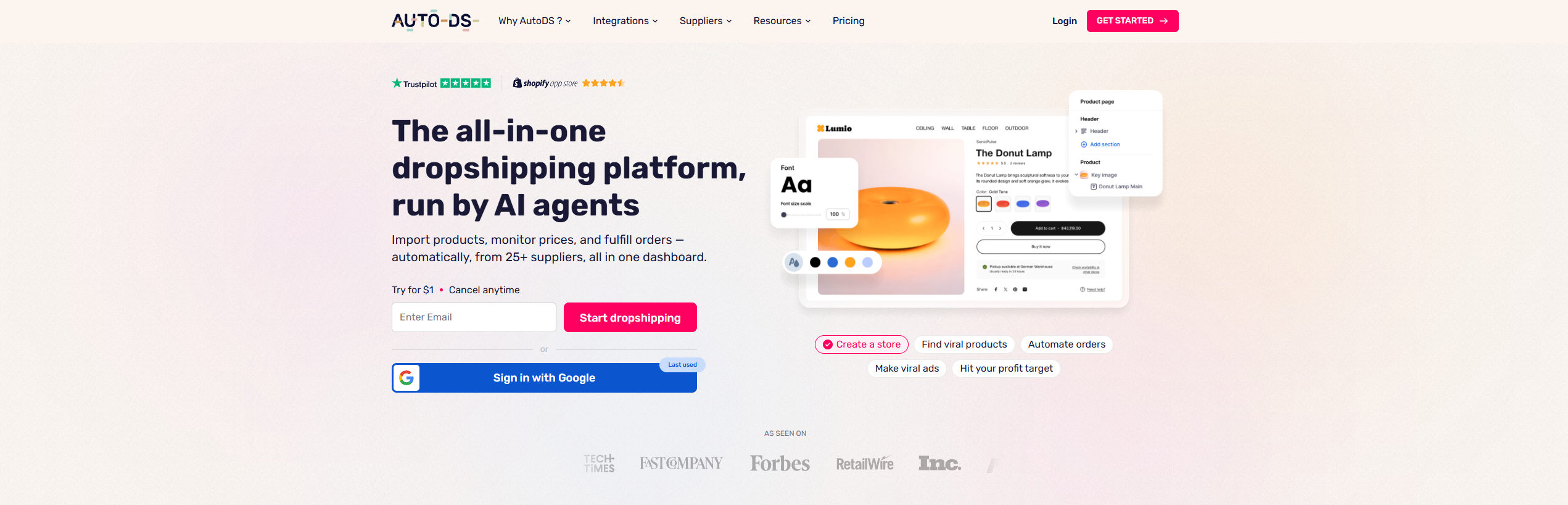
AutoDS is designed to reduce repetitive product and order-management tasks. It can suit sellers who need to import listings, monitor supplier prices and stock, and automate supported purchasing workflows.
Check the exact supplier, region, and service configuration you plan to use. Automation features alone do not establish the inspection standard or delivery performance of every product.
3、AliDropship: For an AliExpress-Based WordPress Setup
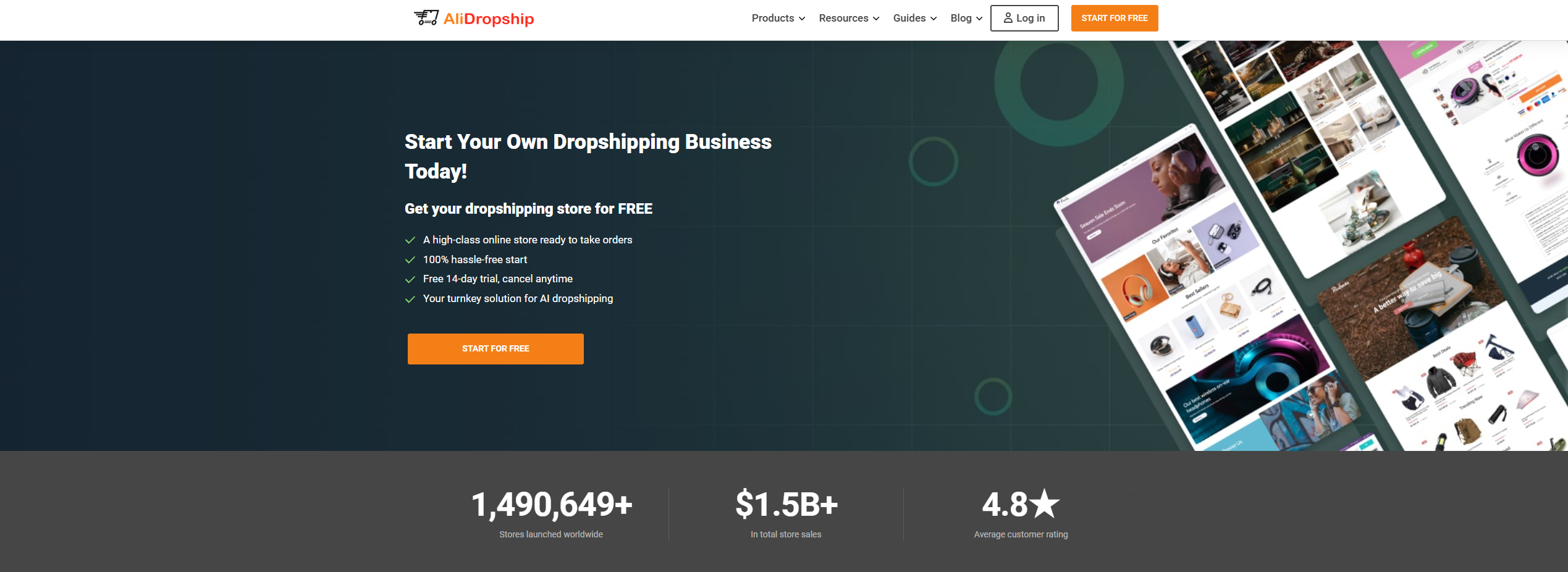
AliDropship offers tooling for sellers building around AliExpress products. Confirm which version works with WooCommerce and what is included in its license.
Product quality, packaging, and delivery still depend heavily on the selected supplier. Order samples and review the customer experience before relying on a listing at scale.
4、WooCommerce Dropshipping: For Existing Supplier Relationships
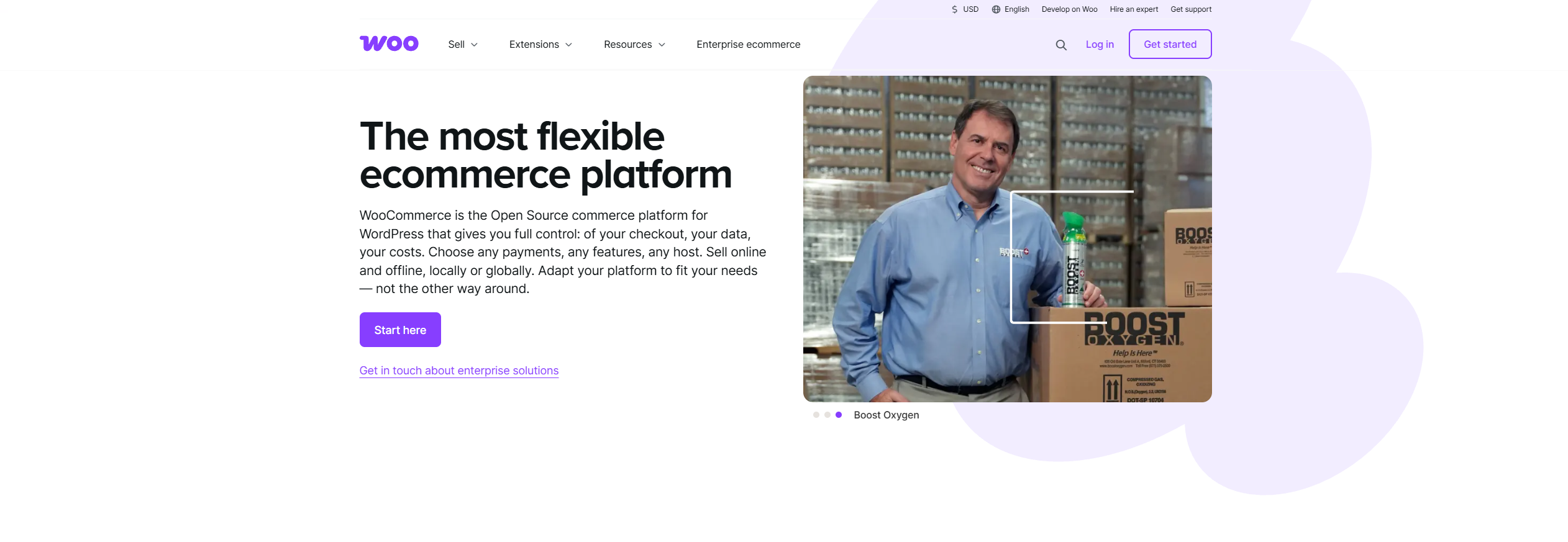
This extension is relevant when you already have suppliers and need a structured way to send them order details and packing slips.
It is not a substitute for sourcing, warehousing, or shipping agreements. Its value depends on how reliably your suppliers act on the order information they receive.
5、Spocket: For Exploring Supplier-Based Catalogs
Spocket can help sellers discover products and connect supplier catalogs to their stores, including options from US and European suppliers.
Compare products individually. Supplier location does not automatically establish stock availability, dispatch speed, return terms, or private-label capabilities.
6、Syncee: For Supplier Catalog and Inventory Synchronization
Syncee is worth considering when keeping supplier product data and stock information aligned with your store is a priority.
Check which plan and workflow support your supplier’s data format and ordering process. Physical inspection, packaging, and after-sales responsibilities still need to be agreed with the relevant supplier.
7、Printful / Printify: For Print-on-Demand Apparel and Merchandise
Printful and Printify serve sellers who want products printed after an order is placed, making them useful for artwork, creator merchandise, and graphic apparel.
Compare sample quality, product availability, branding options, production time, and landed cost. They have different fulfillment models, so assess the actual product and production provider rather than treating the two as identical.
If you later need custom fabrics, patterns, or larger production runs, compare manufacturing options separately from your initial POD setup.
8、CJdropshipping: For Catalog Sourcing and Fulfillment
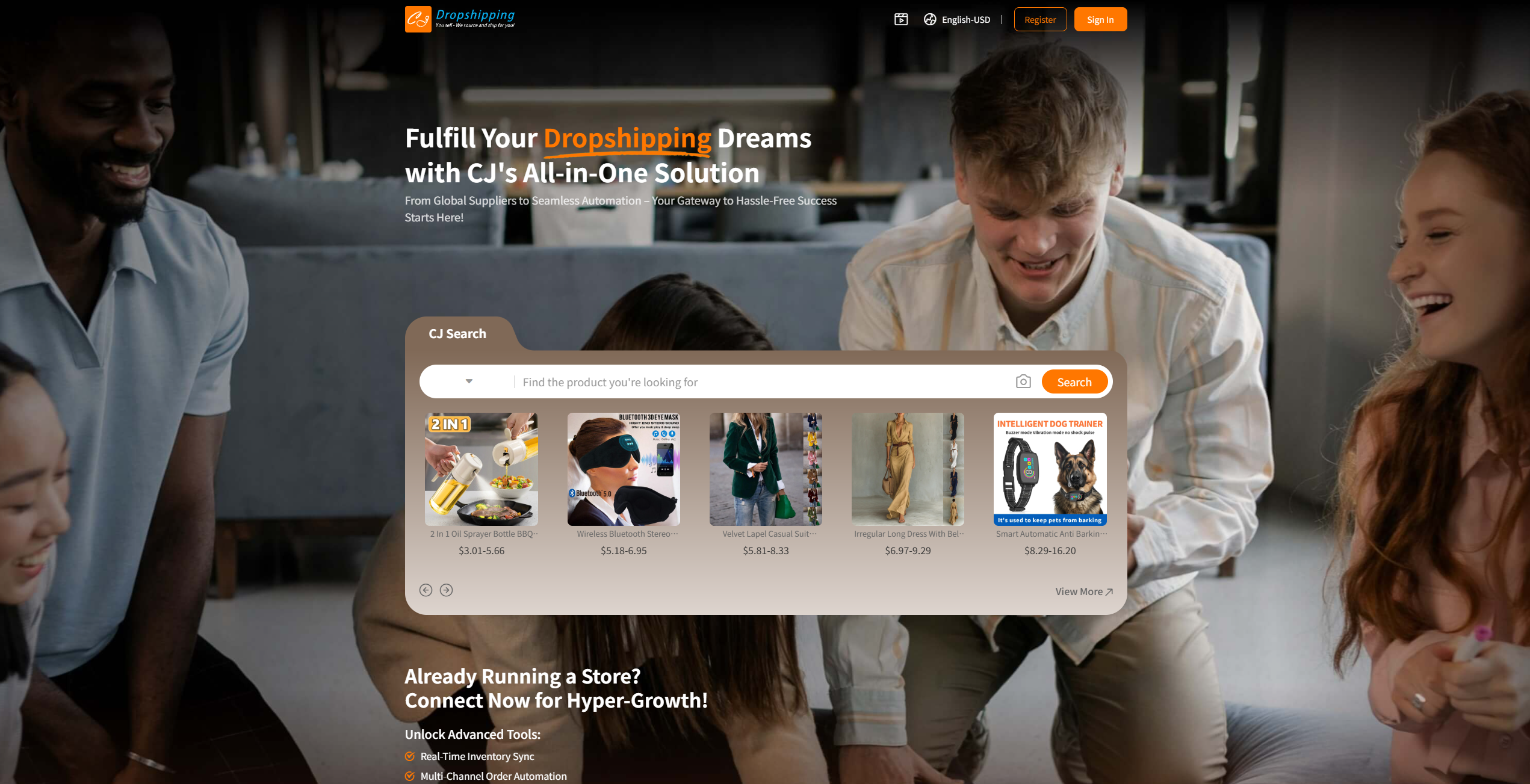
CJdropshipping combines product sourcing with fulfillment services and can be a starting point for testing a range of products.
For categories with specific handling requirements, ask for written inspection and packaging standards. Confirm what is included by default and what requires a separate request or fee.
Four Operational Problems to Fix Before You Scale
Too Many Listings Slow Down Your Store
Large catalogs, unoptimized images, complex product variations, and resource-heavy plugins can affect WooCommerce performance.
Start with a focused catalog. Compress images, test filtering and checkout speed, and keep products you are not actively selling outside your live store where practical.
Split Shipments Create Confusion
When different suppliers ship separately, customers may receive multiple parcels on different dates. Without clear communication, a partial delivery can look like a missing item.
Use consolidated fulfillment where it makes operational sense. Otherwise, explain split shipments clearly and provide tracking for each parcel. Consolidation may reduce parcel fragmentation, but waiting for all items can also extend dispatch time.
Generic Handling Does Not Fit Every Product
A hoodie, a chandelier, and a supplement bottle need different inspection and packaging standards.
For apparel fulfillment, define size, color, workmanship, and labeling checks. For lighting, specify protective packaging and any required testing. For supplements, confirm destination-market documentation and labeling requirements through a specialist fulfillment workflow.
Put these requirements in writing before purchasing—not after a customer reports a problem.
Packaging Undermines Your Brand
A polished storefront cannot compensate for inconsistent packaging or incorrect labels.
Agree on packaging materials, artwork, assembly instructions, and approval samples. If you use custom packaging, confirm minimum quantities, storage terms, replenishment lead times, and per-order handling charges.
How to Upgrade Your Supply Chain as You Grow
Growth stages are planning guides, not fixed order-volume thresholds. Choose a model based on demand consistency, cash flow, and how much product control you need.
Test with Ready-Stock Products
Use dropshipping fulfillment to validate demand without committing immediately to a full production run. Confirm product availability and compare shipping options before launching ads.
Develop Proven Products
When demand becomes more predictable, custom product sourcing can support private labeling, sampling, and OEM/ODM production.
Approve materials, measurements, artwork, and acceptance criteria before bulk production. Factory inspection and in-person supply chain visits can be considered where appropriate.
Move Established Inventory into 3PL Fulfillment
If you already have reliable factories, 3PL warehousing and fulfillment lets you separate production from daily order processing.
Confirm receiving requirements, inventory reporting, stock counts, storage fees, and dispatch expectations before sending bulk stock.
Frequently Asked Questions
Do I Need a Paid Plugin to Dropship with WooCommerce?
Not necessarily. WooCommerce’s core plugin is free, and some providers—including FFOrder—offer free integrations. You still need to cover hosting, a domain, payment processing, products, shipping, and any optional services.
Can Orders and Tracking Sync Automatically?
Yes, with a compatible integration and the right configuration. Verify order import, stock synchronization, shipment updates, and tracking notifications with a test order before launch.
Can I Start with Custom Packaging or Private Labels?
Depending on the product and service, yes. FFOrder supports small-batch packaging trials and apparel labeling services. Minimum quantities, setup costs, and lead times vary, so request a quote for your specific requirements.
How Long Does International Delivery Take?
Timing depends on sourcing or production, warehouse processing, destination, and the selected shipping service. FFOrder lists indicative transit times of 7–9 business days to Europe and North America and 15–20 business days to Brazil on relevant routes. Confirm the current route estimate and when the delivery clock starts before publishing a customer-facing promise.
What Happens if an Order Is Damaged, Delayed, or Defective?
Agree on the policy before you launch. Clarify evidence requirements, claim deadlines, exclusions, and who covers refunds, replacements, and shipping. FFOrder describes its after-sales approach as refunds for qualifying quality issues and reshipments for qualifying logistics issues; confirm the applicable terms for your account.
Build a Fulfillment Setup That Can Grow with Your Store
The best WooCommerce dropshipping setup is not the one with the most plugins. It is the one that gives you reliable products, clear costs, manageable workflows, and a customer experience you can repeat.
If you want sourcing, inspection, packaging, and fulfillment coordinated through one partner, explore FFOrder’s WooCommerce integration. Start with your products, target markets, and expected order volume, then confirm the workflow and total costs before scaling.
FFOrder Team
FFOrder helps growing brands run dropshipping and fulfillment as one system — from sourcing across 40,000+ factories to global shipping and structured after-sales.
Build a Fulfillment Setup That Can Grow with Your Store
The best WooCommerce dropshipping setup is not the one with the most plugins. It is the one that gives you reliable products, clear costs, manageable workflows, and a customer experience you can repeat. If you want sourcing, inspection, packaging, and fulfillment coordinated through one partner, explore FFOrder's WooCommerce integration. Start with your products, target markets, and expected order volume, then confirm the workflow and total costs before scaling.
-1200x628%20(14).png)